Basic structure:
Type html+tab to get the basic frame as following:.
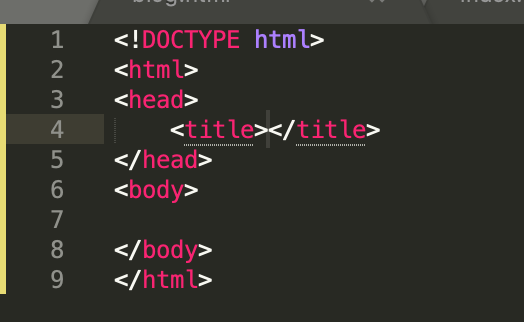
Here title refers to the name of this webpage.
Basic styles:
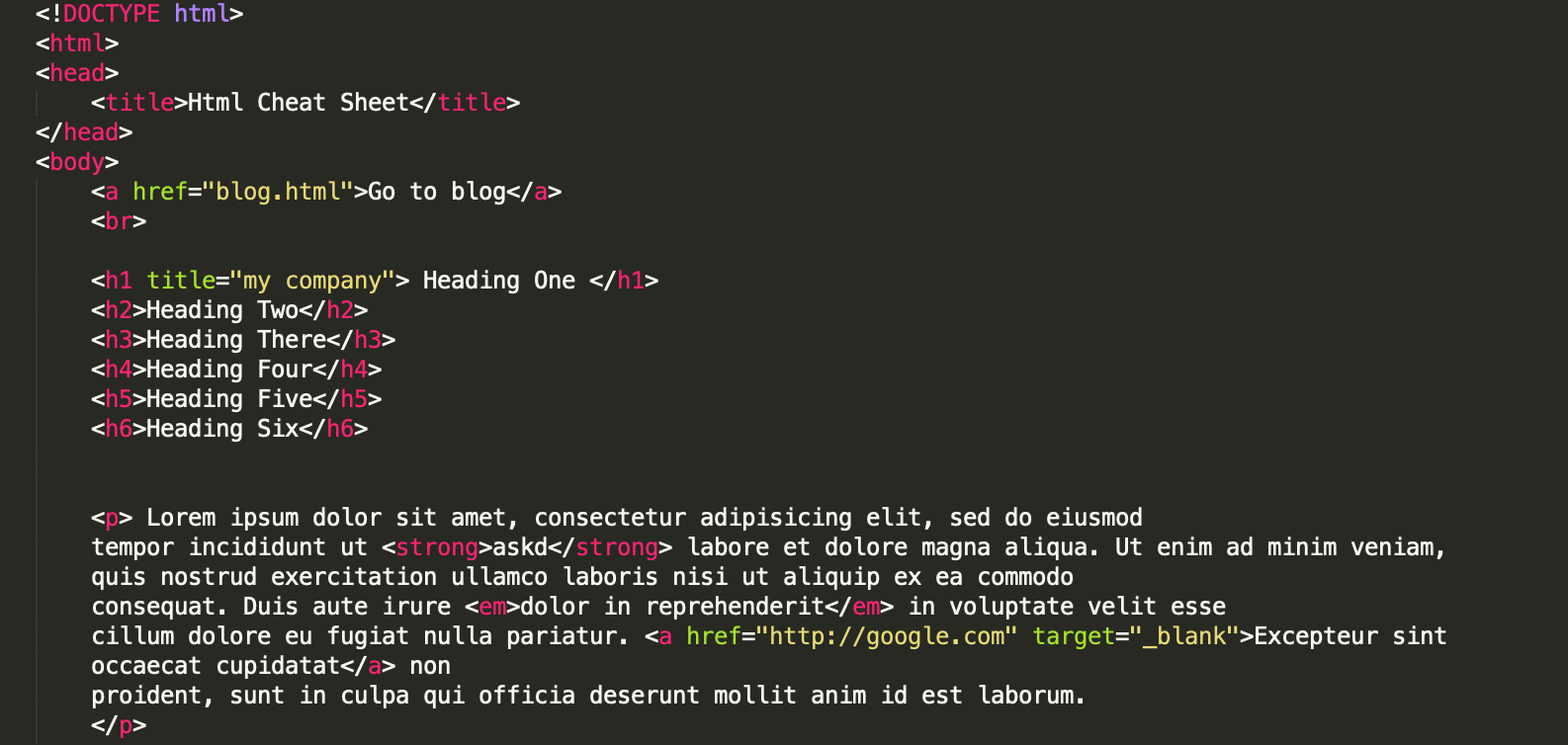
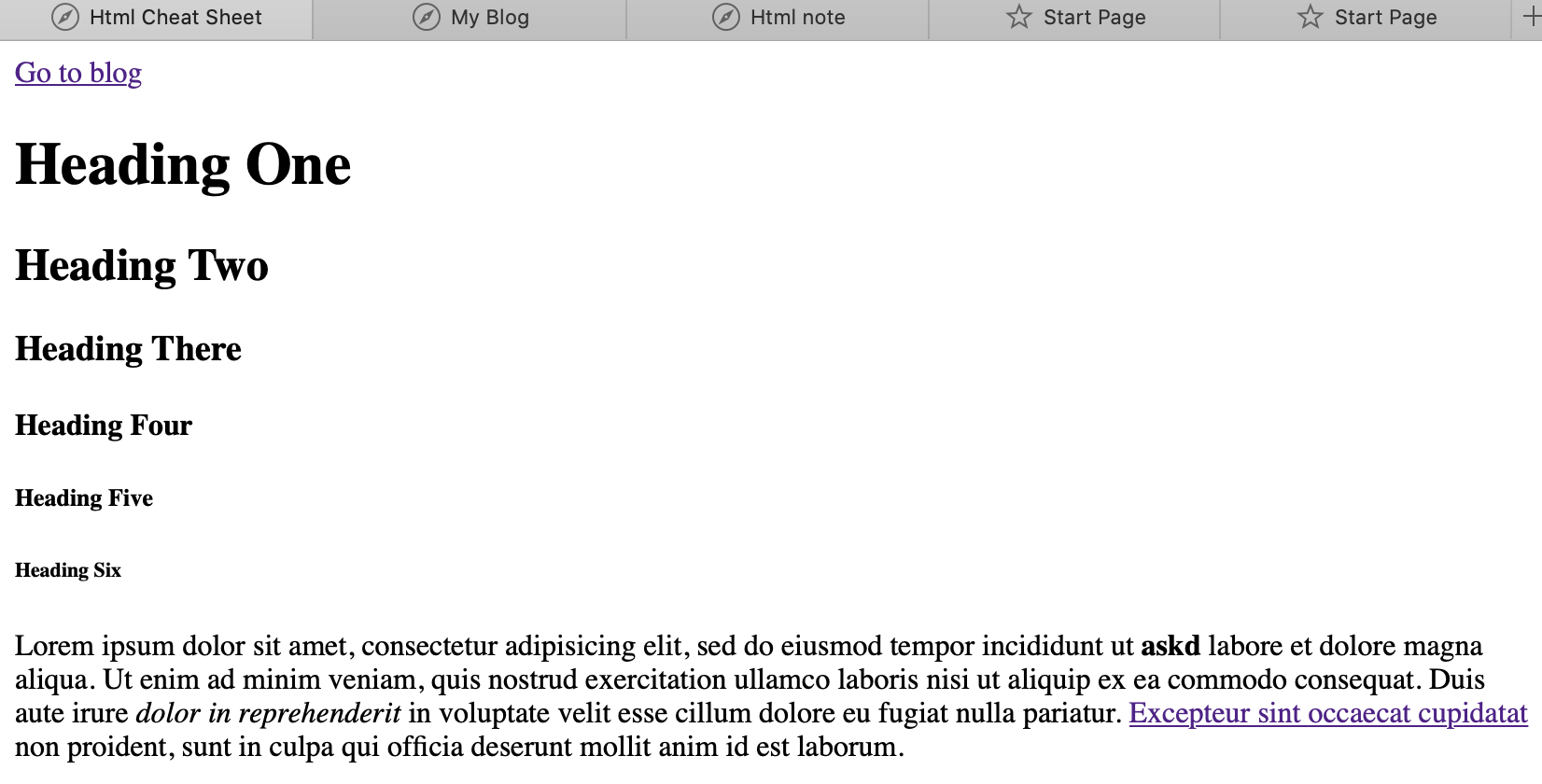
There are 6 heading styles: h1, h2, h3, h4, h5, h6.
To make a paragraph, you can type p.
To make random text type lorem+tab or lorem10.
head command will be at the very top of the webpage.
To comment, use !--the content that you want to comment--
To leave some space between the lines, use br, which is a self-closing command; Or choose hr, which will add a line.
div is the division tag which is used to make divisions of content.
To have some text styles, you can use strong(make the text bold), em(to the style that you like, probably need to work together with CSS; the default style is italic)
To have hyper link, use a, and the hyper link attribute will instantly pop up and you could put the lnk there. Also, if you want open the new link in a new page without closing the current one, then you could use the attribute target='_blank'.
List, Table, Form
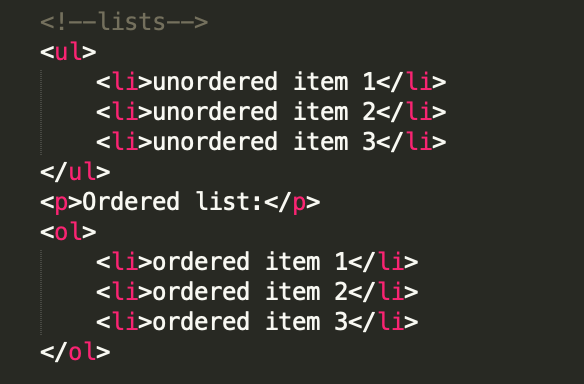
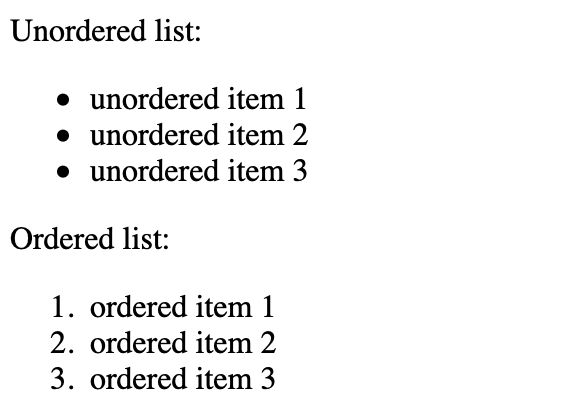
With ul you create unodered lists (without counting numbers); with ol you create ordered lists.
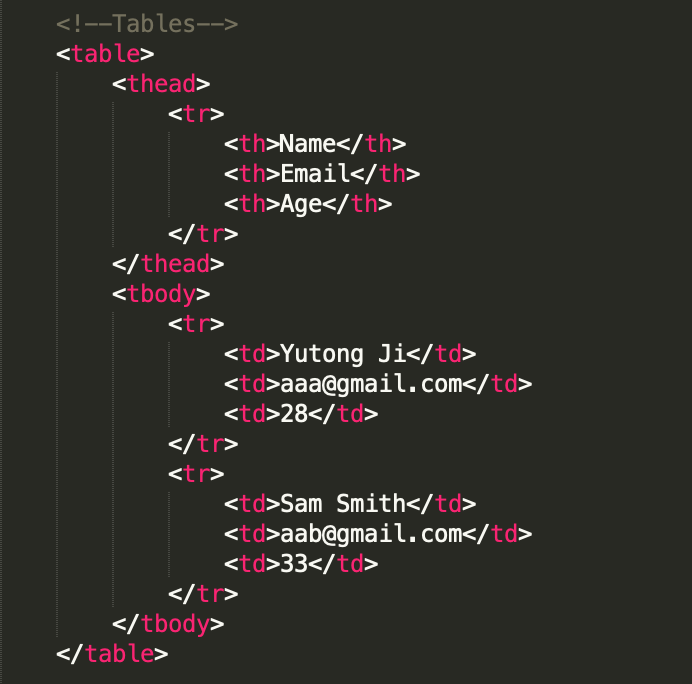
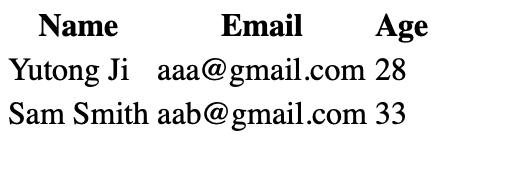
With table, you can create tables, that include thead and tbody two parts.
With form, you can create forms (obviously). You can specify yout targeted backend database by attributes action and method as follows. You may want to divide the different forms with div. In the forms, you can input type="" (type could be "text", "email, "date", "number" and "submit"), name="", placeholder="", select name="" or textareaadd message.
With button, you could make a button to click.
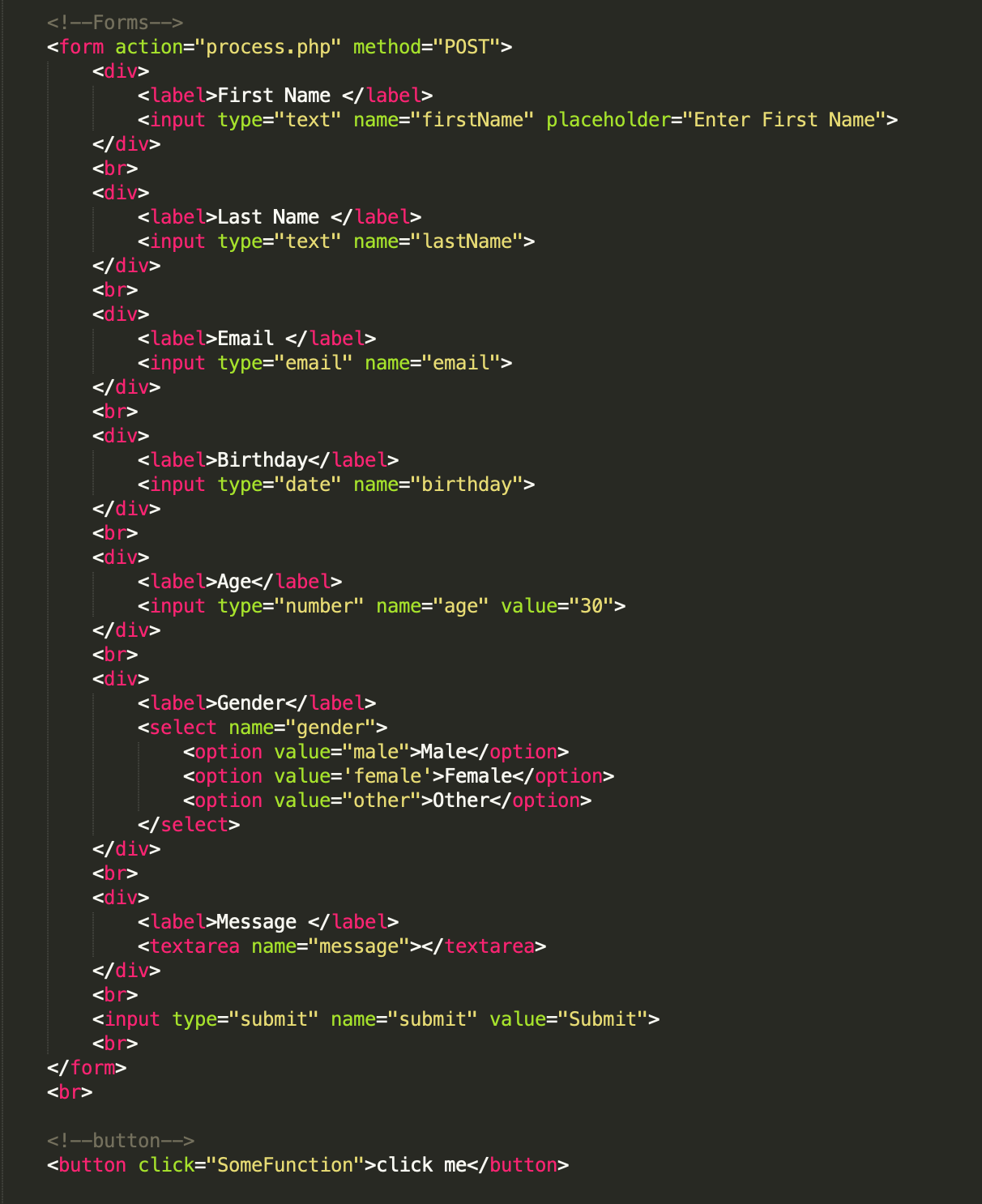
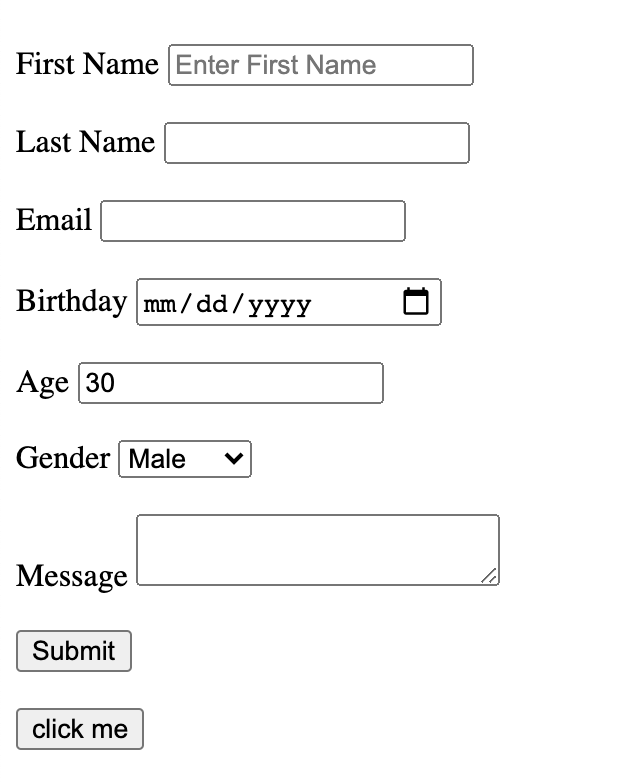
Image & Quotations
With img, you can attach images to the webpage. Attributes alt="" shows text message when the image could not be found; width="" and height are used to adjust the size.
With blockquote and the attribute cite="", you can introduce quotations. With abbr tag and the attribute title="", you can insert abbrevation. With cite tag, you can have the ??? (don't quite get it).

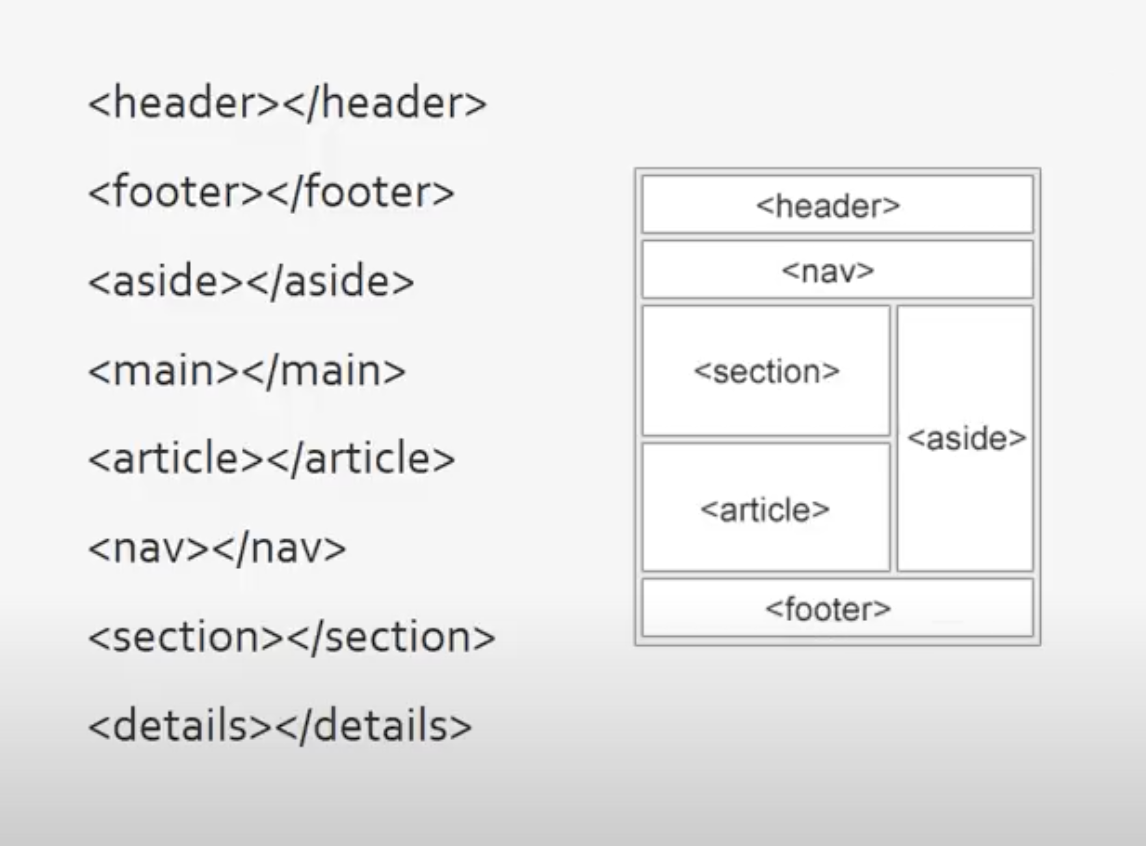
HTML5 Semantic Tags